Instructional Design & eAuthoring Module (Week 2)
The following is a reflection on the week immediately after the class that took place on Tuesday 1st November 2016 using Gibbs Reflective Cycle.
Tuesday 1st November 2016 – CONFERENCE
Description
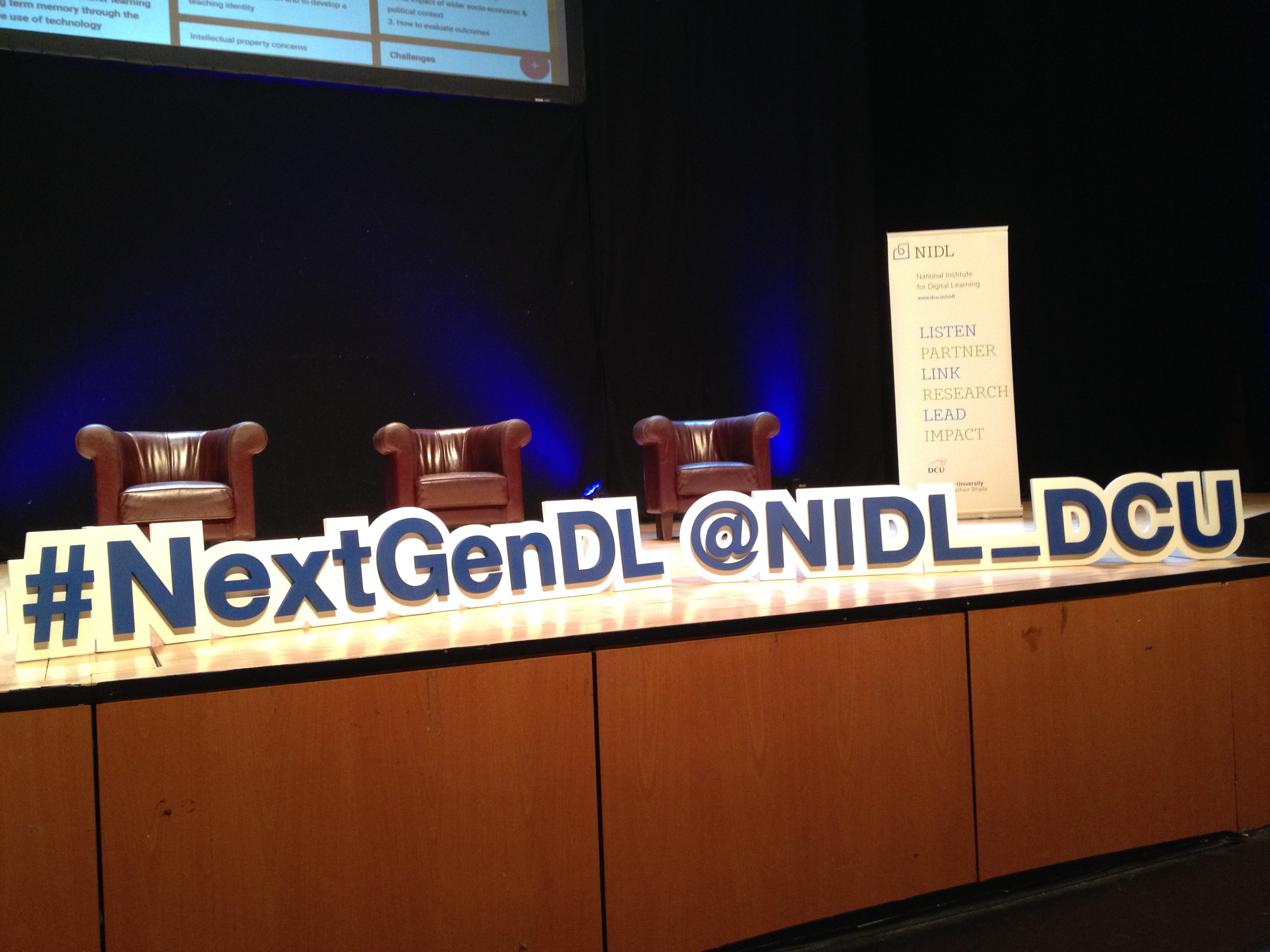
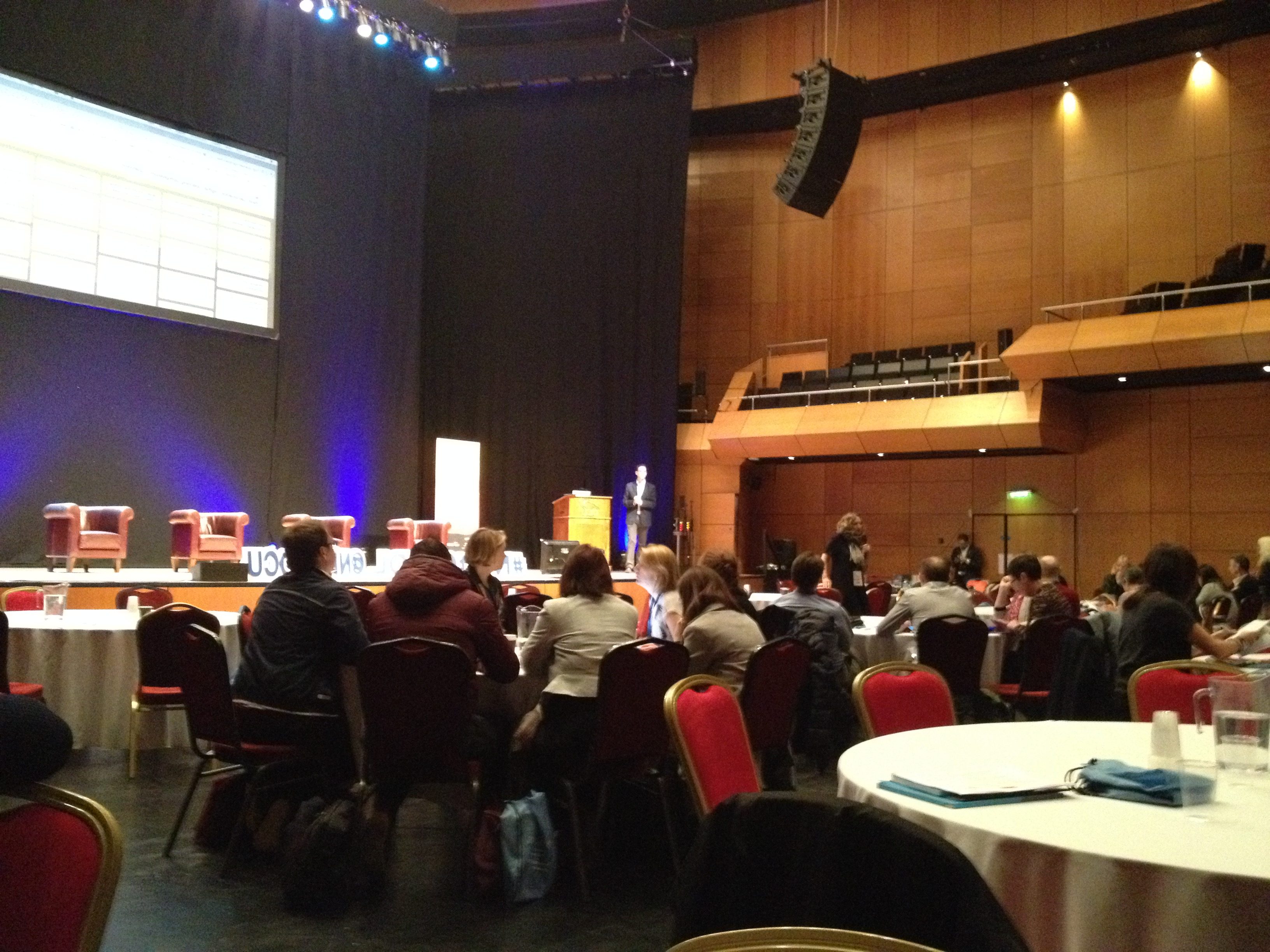
Immediately after today’s class, I cycled to Dublin City University to attend a conference in The Helix. I had previously registered online for this conference entitled The Next Generation: Digital Learning Research Symposium 2016. Here us a link to Professor Mark Brown’s Conference Summary on Twitter.
Feelings
It was interesting to meet Professor Gráinne Conole at the conference. She have a very interesting keynote called Research Through the Generations: Reflecting on the Past, Present and Future. (Click on this link for my description of Professor Gráinne Conole’s keynote). I had read some of Professor Conole’s work before including her association with The 7Cs of Learning Design.
Evaluation
It was informative to hear that digital learning is not yet considered to be an established field of research. Professor Conole’ stated that it is her belief that digital learning research is currently positioned between stage 4 (diversification) and stage 5 (established). I was already familiar with the NMC Horizon Report series having attended previous CESI and EdTech conferences. During the keynote, Professor Conole referred to the Innovating Pedagogy 2015 (a UK report) that she reckons is more nuanced than the Horizon Report series.
Analysis
It was good to hear Richard Millwood’s HoTEL Project referred to at the conference. I was already aware of this from Module 1 – Learning Theories. I often find that I pay more attention to a topic when I hear it referred to on a second occasion by a different source.
Conclusions
Having enjoyed this conference, I think that I will register online for more digital events organised by the National Institute for Digital Learning in DCU.
Personal Action Plans
Put the dates for forthcoming events organised by the National Institute for Digital Learning into my diary.
Wednesday 2nd November 2016 – DOCTORAL WORKSHOP
Description
Today, I attended a Doctoral Workshop jointly hosted by the National Institute for Digital Learning (NIDL) and the new Institute of Education at Dublin City University (DCU). This workshop was primarily designed for prospective doctoral students who are thinking about embarking on either an EdD or PhD in the general area of Digital Learning. The purpose of the workshop was to:
• answer common questions prospective students have about doctoral study
• identify/discuss potential research topics in the general area of digital learning
• help prospective doctoral students learn how to prepare research proposals.
In the course of the workshop, approximately 30 participants (including me) had an opportunity to discuss how to select the right institution, the right supervisors, the right topic and the most appropriate doctoral study option for their own circumstances. The workshop was opened by Professor Mark Brown who gave an interesting talk on why he pursued a career in educational research. A number of his DCU colleagues from Education / Digital Learning were in attendance including Dr. Deirdre Butler, Dr. Enda Donlon, Dr. Eamonn Costello as well as Visiting Professor Gráinne Conole.
Feelings
Eventually, it came to my turn to describe the topics within digital learning that I may be interested in pursuing a PhD. I was quite nervous as I understood that I would be speaking to a number of respected scholars in the field of digital education. I explained to those gathered at the workshop that I was interested in both research and development in the areas of personalised learning and eAssessment.
Evaluation
Professor Gráinne Conole and Dr. Eamon Costello both suggested that I speak to Professor Vincent Wade (Trinity College, Dublin) as he is an expert in the area of personalised and adaptive learning.
Professor Mark Brown suggested that I have a look at Fish Tree, a US Company specialising in personalised learning software. He also suggested that I might pursue an interdisciplinary PhD (Computer Science and Education) and consider using the Castel research centre in DCU. He also said that I should read what Stephen Downes and George Siemens have to say about personalised learning.
Analysis
We were told that the new DCU Education Department based in a new purpose-built building in the St. Patrick’s College Campus was incorporated on 01/10/16 and consists of 130 Staff and Postgraduate Research Students and 12 Research Centres. This new education department will be headed up by Charlotte Holland with the title Associate Professor, Education, Dublin City University. Her email address is charlotte.holland@dcu.ie.
Conclusions
Professor Mark Brown was at pains to point out that the process of deciding what one’s research question should be is a lengthy one. He repeatedly stated that prospective PhD students should refine their research proposals by having lots of discussions with numerous research staff. It was interesting to hear that a PhD student can choose his/her External Examiner.
Thursday 3rd November 2016 – STORYBOARDING & VIDEO EDITING
Description
Wrote up minutes of Group Meeting 1 held on Saturday 29th October 2016 in the Westbury Hotel, Dublin 2
Downloaded files for Week 1 and Week 2 from Webcourses
Looked at the 10 minute video Visitors and Residents: Credibility (by David White, University of Oxford), from the link https://youtu.be/kO569eknM6U
This video explores perceptions relating to the legitimacy and currency of online information versus traditional sources. This is a required debate as more and more educational courses are moved online, e.g. MOOCs. In (say) 10 years time, will the survival of traditional universities be threatened in the same way as the newspaper industry is today?
Adobe Captivate – experimented with desktop app for authoring
Adobe Captivate Draft – downloaded and install iPad app
Adobe Captivate Draft – experimented with iPad app for storyboarding
Adobe Creative Cloud – downloaded and install iMac app and iPad app
Adobe Creative Cloud – first sign in using my existing Adobe Id
Created Adobe Captivate Draft test storyboard file (.CPDX file) on iPad
Uploaded this test storyboard file to Adobe Creative Cloud
Opened this Draft CPDX file in Adobe Captivate desktop app on iMac
Saved this Draft CPDX file as a CPTX file using Adobe Captivate desktop app on iMac
Reviewed YouTube Downloaders from
http://mac.eltima.com/list-of-best-youtube-downloaders.html
Downloaded and installed Total Video Downloader for Mac
Downloaded a 30 second waste management video from YouTube
Edited it to a 5 second video using iMovie
Simultaneously developed Composting course / lesson in Adobe Captivate and Microsoft Powerpoint
Published the course / lesson to an Adobe Captivate Project in HTML 5 format
Uploaded this Adobe Captivate Project to gerardkilkenny.ie/compost using the FileZilla FTP application for Mac
Tested that it works using the URL http://gerardkilkenny.ie/compost/index.html
It does work!
Friday 4th November 2016 – ePORTFOLIO DEVELOPMENT
Description
Today I set about more fully researching ePortfolios and blogs, with WordPress already chosen as my software tool of choice. I began constructing my ‘skeleton’ ePortfolio some weeks ago on my MSc Induction Day on 5th September 2016. I added sections under the headings ‘Hopes’, ‘Fears’ and ‘Expectations’. On ePortfolio Seminar Day on 18th October 2016, I began the process of creating new WordPress ‘pages’ and a ‘menu’ system that I based on the structure of the taught modules on the first year of the MSc in Applied eLearning programme. The page / menu system that I created then looked like this:
Professional Development
Prior Learning
Personal Development Plan
Philosophy Statement
Programme Induction
Hopes
Expectations
Fears
Learning Theories
What is Learning
Constructivism
Behaviourism
Debate
Presentations
Instructional Design & eAuthoring
Introduction to Module
Storyboarding
eLearning Toolkit
Models of Instructional Design
Rapid Development
Top 100 Learning Tools
Elevator Pitches
Group Presentations
I also learned how to back up my WordPress website using Chapter 11 (Advanced WordPress) of the the excellent book:
Darryl, B. (2015). WordPress: web development for beginners. Leamington Spa: Easy Steps Limited. See link below:
http://ineasysteps.com/products-page/all_books/wordpress-easy-steps-web-development-for-beginners-wordpress-4/
Saturday 5th November 2016 – LEARNING WORDPRESS
Description
Today, I resolved a problem whereby I had a database connection error when trying to access my website. This occurred as a result of me changing the MySQL database password in the Control Panel of https://www.register365.com. This part of the Control Panel uses phpMyAdmin which in turn provides support for a lot of MySQL functionality. I had also changed this password the wp-config.php file on my website. However, I eventually discovered that the password also needs to be updated in a table in the WordPress MySQL database. This means that the password exists in three different locations. If the password is not the same in all three locations, WordPress reports a database connection error. I decided to revert to the original password.
I also discovered Citation Producer which converts information entered in fields (Author Name, Year of Publication, etc) into an APA reference. Here’s the link:
http://citationproducer.com/apa-citation/cite/book.html
I learned the following aspects of WordPress:
Page Attributes (Parent)
Page Attributes (Order)
Home Page
Blog Posts
Header Image and Tag Line
Page Attributes (Parent and Order)
I changed the attributes on all WordPress ‘pages’ to reflect the menu structure I had early created via WordPress ‘appearance’ yesterday Friday 4th November 2016.
Front Page and Posts Page
WordPress automatically uses the blogroll as the homepage.
To force WordPress to go to your newly created homepage (‘Home’) on typing in the portfolio URL, do the following:
Select Settings > Reading
In the ‘Front page displays’ options presented:
Choose “A static page” for the ‘Front Page displays’
Select “Home” from the list of items (which are the WordPress pages you created) in the ‘Front Page’drop-downlist box.
We now also need to specify where the blog posts will go
Select “Blog” from the list of items (which are the WordPress pages you created) in the ‘Posts Page’drop-down list box.
Click the ‘Save Changes’ button.
After saving changes, when you type in the portfolio URL, the page should go to your new actual homepage.
Header Image and Tag Line
For ‘Header Image’, I had ‘Site Title’ and ‘Tagline as follows:
Site Title: MSc in Applied eLearning
Tagline: DIT Aungier Street
I then added a DIT logo via Appearance>Header.
The image had to be first uploaded to the Media Library.